How to set up your shop
Set up the details buyers see before they discover your products.
Set up your shop once, then focus on adding products and serving buyers.
Create your shop identity
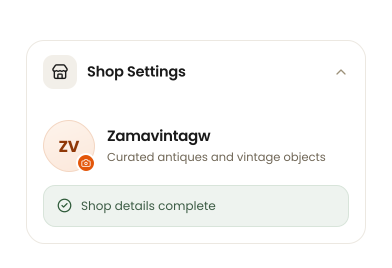
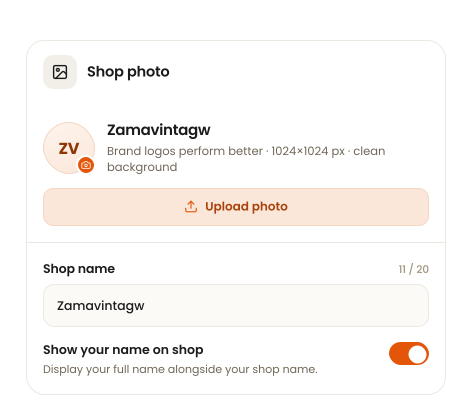
Add the shop photo and name buyers see when they visit your shop.
Your shop name is limited to 20 characters and appears everywhere your listings do. Turn on Show your name on shop to display your full name alongside it.
Tell buyers about your shop
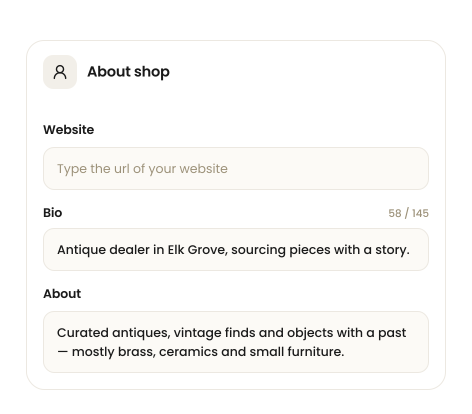
Your website, bio and about text give buyers context about your collection and how you source.
What buyers see: your shop photo, shop name and this description sit at the top of your shop page, above your listings. Your contact information and social links are set further down the same page.
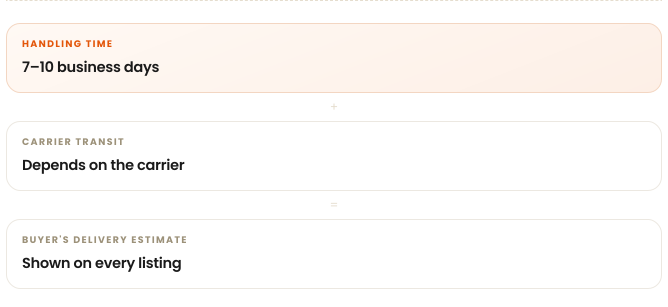
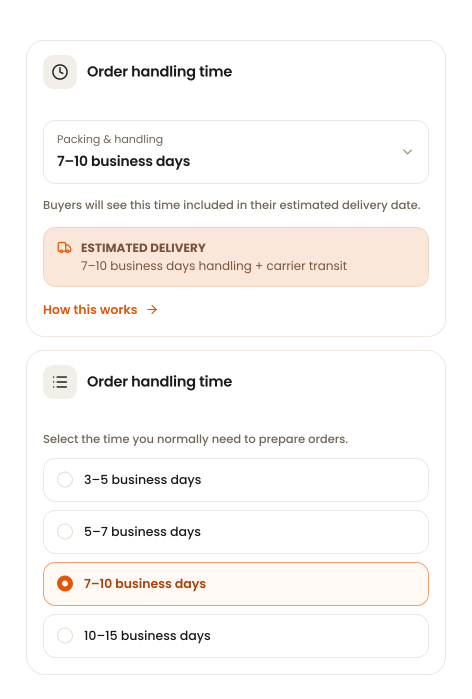
Set your handling time
Set how long you usually need to prepare an order before handing it to the carrier.
This applies to all products in your shop.
Set your return policy
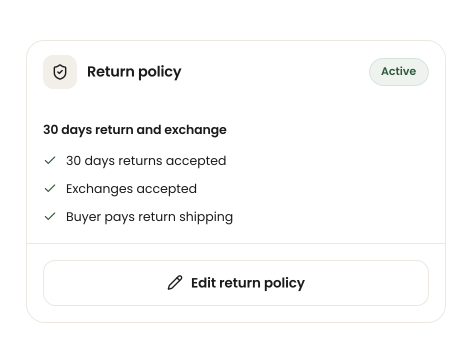
Give buyers clear expectations before they purchase.
Your return policy applies to every listing in your shop. Clear policies help buyers know what to expect.
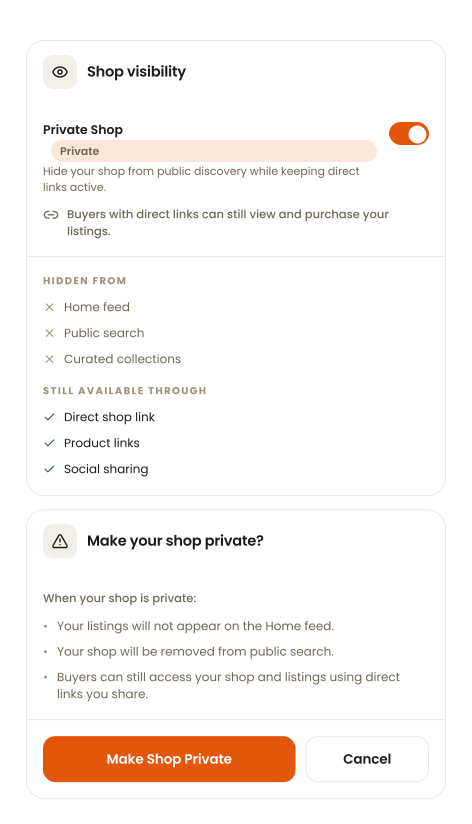
Choose when your shop is visible
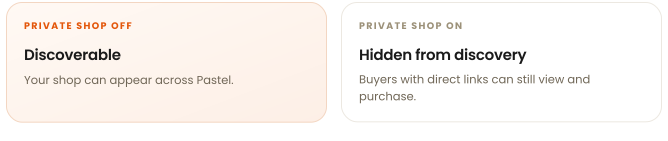
Control how buyers discover your shop. Turning Private Shop on asks you to confirm first — you can change it anytime.
Add your contact details and save
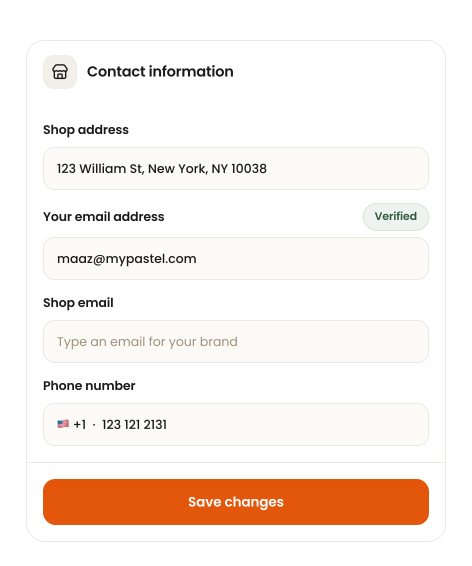
Finish with your shop address, email and social links, then save your changes.
Nothing is applied until you tap Save changes.