How promotions work
Create a discount code, share it with buyers, and track every redemption.
Create the offer once. Share it wherever your buyers are.
Set up your promotion
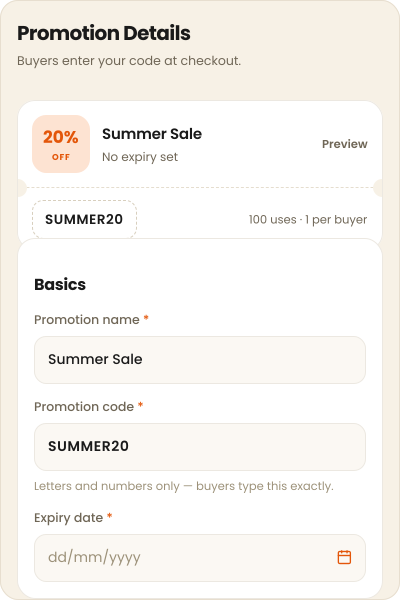
Give your promotion a name, a code buyers type at checkout, and an expiry date.
Codes are letters and numbers only — buyers type them exactly as you write them.
Choose the discount and limits
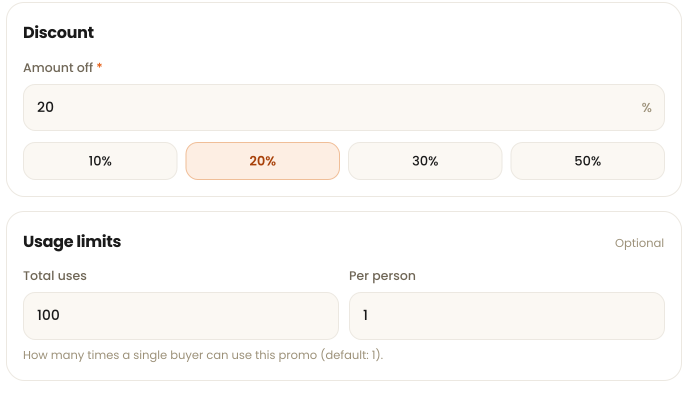
Set how much comes off, then cap how many times the code can be used — in total and per buyer.
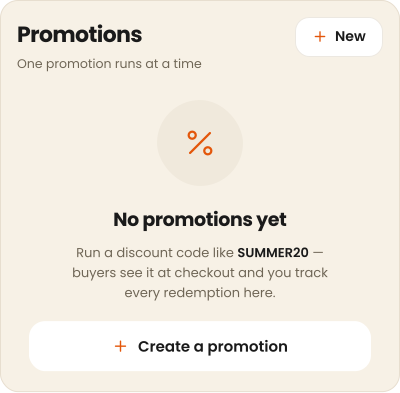
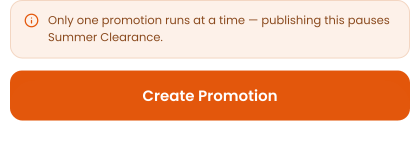
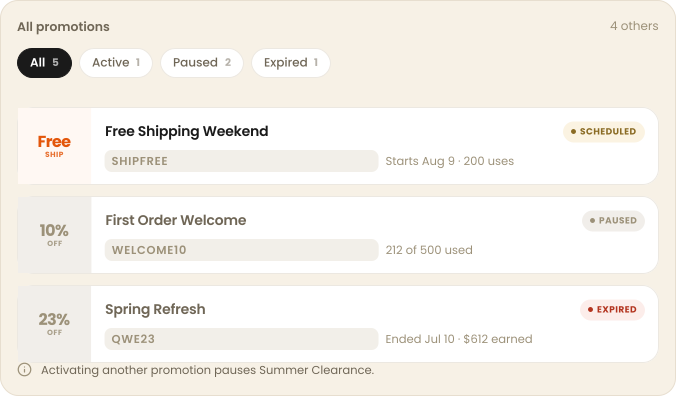
Only one promotion runs at a time
Publishing a new promotion pauses the one that's live — your paused promotions stay ready to reactivate.
Share it with buyers
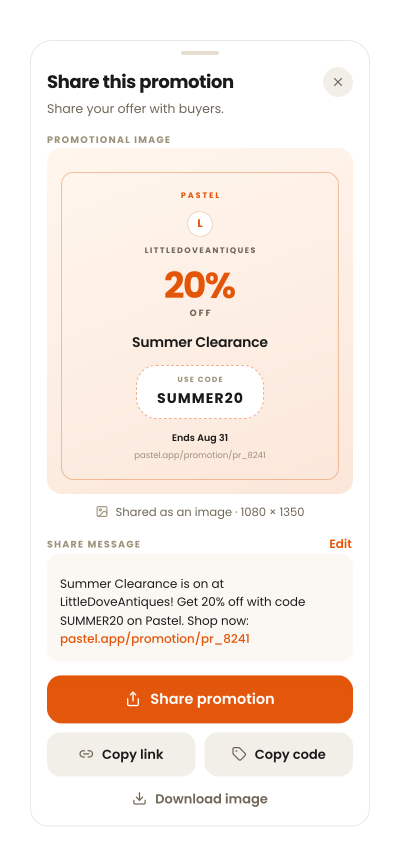
Pastel builds a promotional image and a ready-to-send message with your code and link.
Share the image and link wherever you talk to buyers, copy just the link or code, or download the image to post yourself. Pastel doesn't post anything for you.
Watch it work
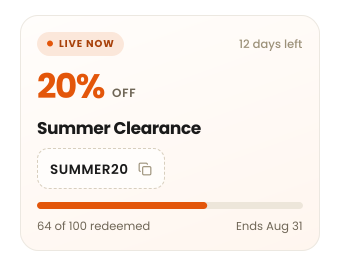
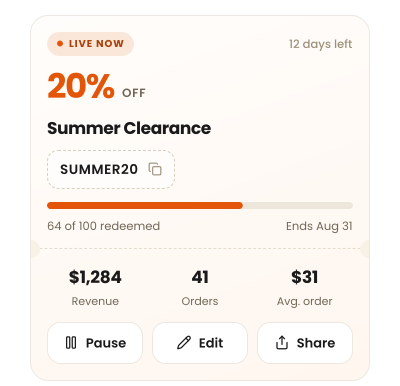
Your live promotion shows redemptions against its limit and what it has earned — and you can pause, edit, or share it any time.
Buyers enter your code at checkout; every redemption is counted here.

Your promotion, start to finish
- CreateName, code, expiry
- SetDiscount & limits
- PublishOne runs at a time
- ShareImage, link or code
- TrackRedemptions & earnings