How Pastel Live works
Go live, show your pieces, answer questions, and let buyers shop as you share.
Show the story behind your pieces — live.
Go live from your shop
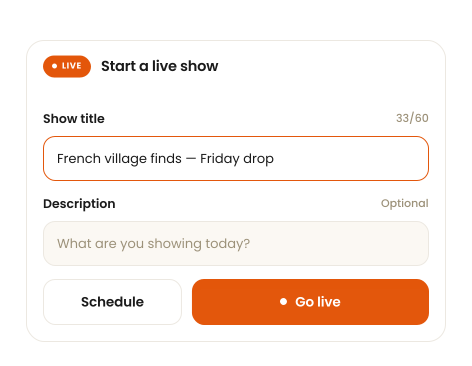
Start a Live when you want to show your pieces, tell their stories, and talk directly with buyers.
- Show
- Show pieces in real time.
- Talk
- Answer buyer questions.
- Sell
- Let buyers shop while you're live.
Bring your products into the Live
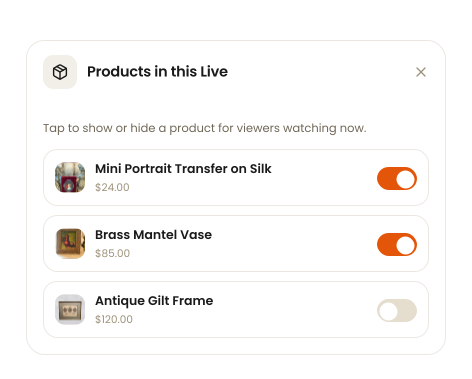
Add the products you want to feature so buyers can discover and shop them while you're live.
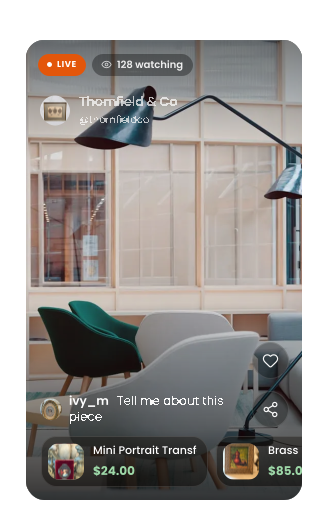
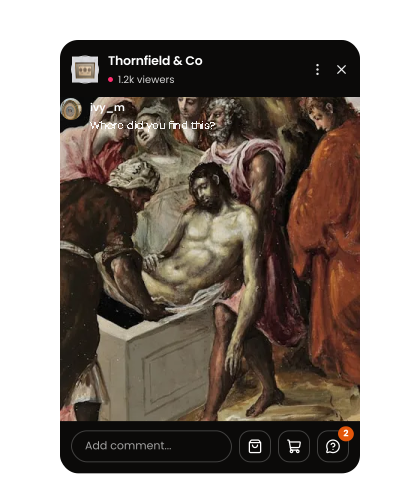
Featured products appear as a compact rail inside the Live — buyers can browse them without leaving the stream.
Talk, show, and sell live
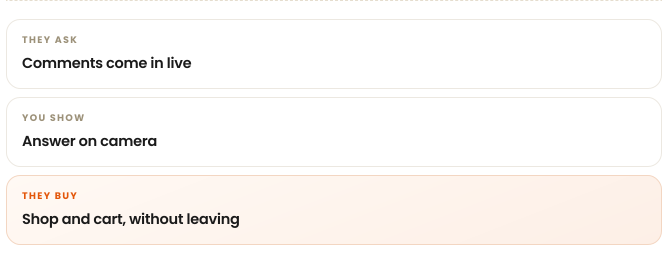
Buyers can watch, ask questions, browse your products and buy — all from the Live.
Go Live together
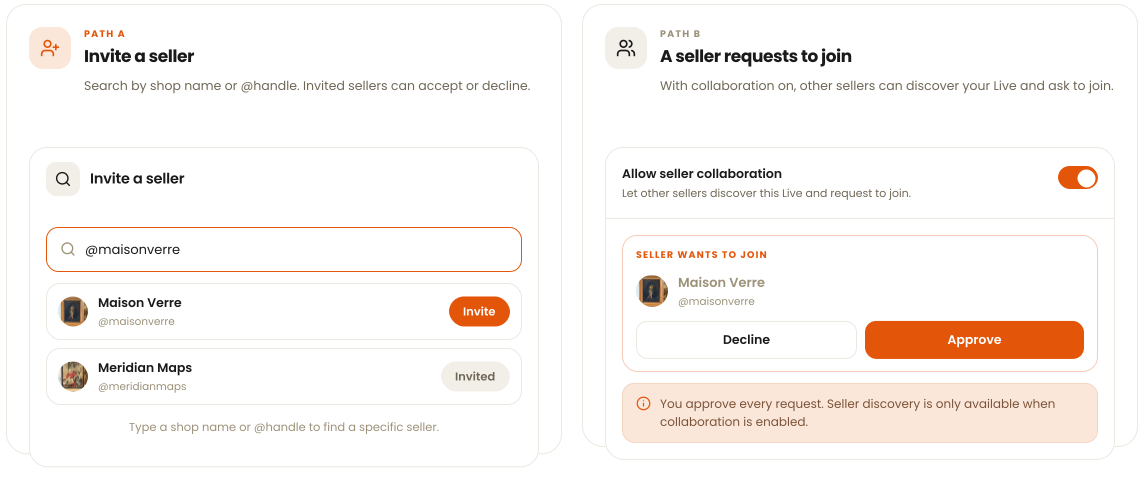
Invite another seller, or let another seller request to join your Live.
Collaboration lives in your Live show settings, not on the Live screen itself.
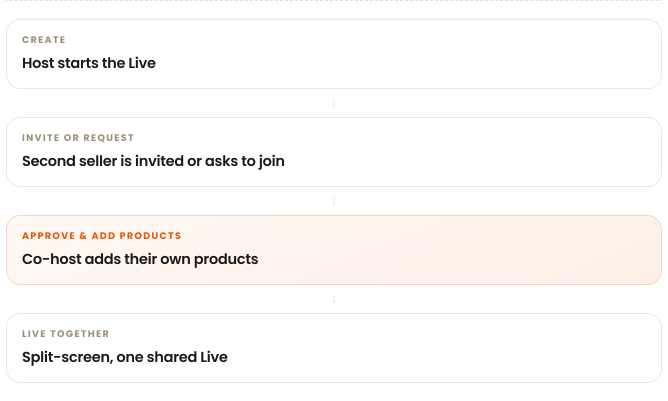
Share one Live, two sellers
Each seller gets their own video area and their own product rail. The viewer count and comments are shared across the whole Live.
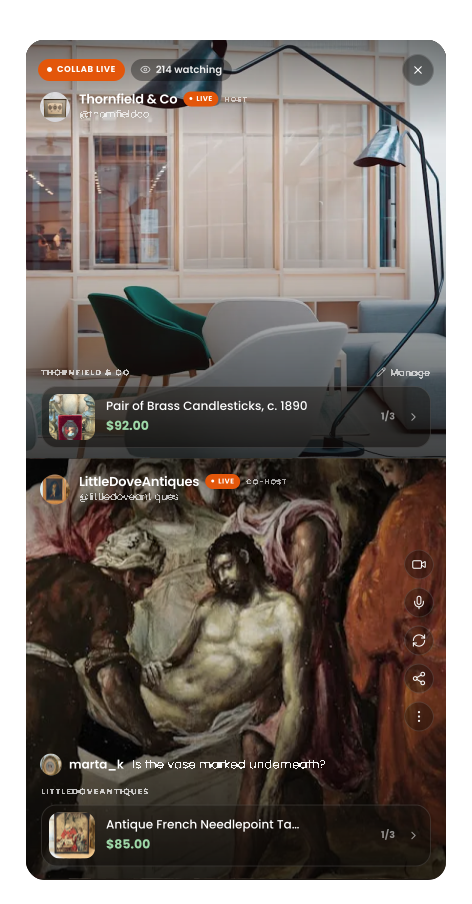
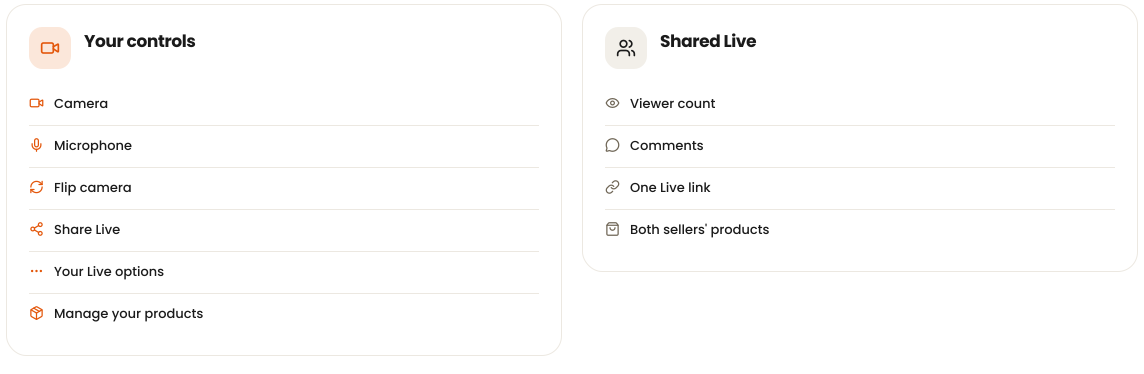
Your controls and the shared Live
Creator controls affect your own camera and audio. Buyer interactions and the Live experience are shared — and buyers can purchase from either seller.