How to add a product
From your first photo to a published listing, here's how to get your product ready for Pastel.
Your listing can start with just a few photos. Pastel turns them into a first draft you review.
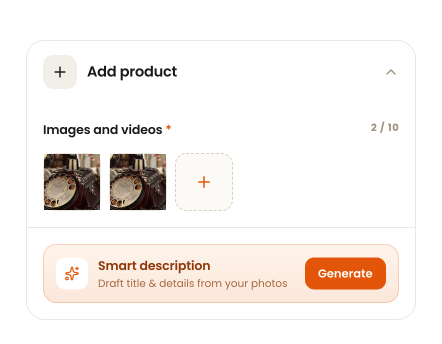
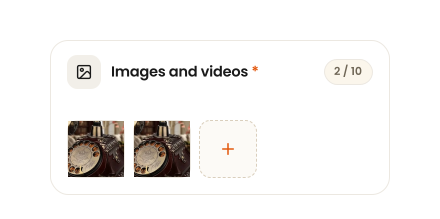
Start with your photos
Upload clear photos of your item so buyers can see the details that make it special.
Use multiple angles to show the condition, details and character of the piece.
Let Pastel help with the details
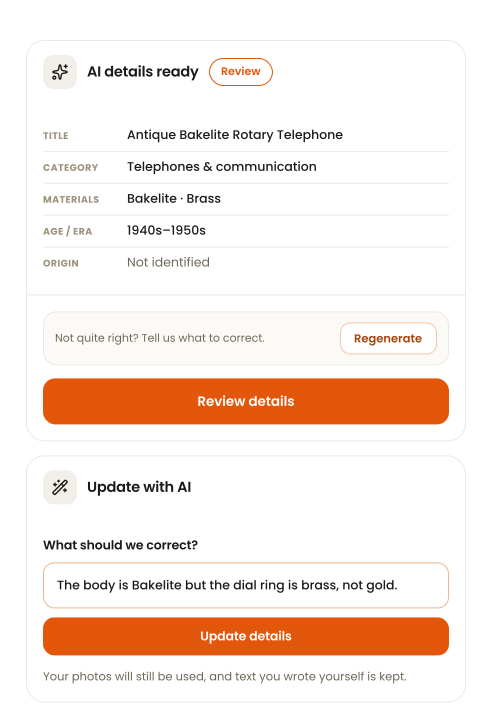
Pastel creates a first draft from your photos — title, description, category and any details it can see.
- Generate
- From your photos
- Review
- Every field, before publishing
- Correct if needed
- Tell Pastel what's wrong
AI creates the draft. You review it before publishing. Anything Pastel can't tell from your photos stays Not identified rather than being guessed.
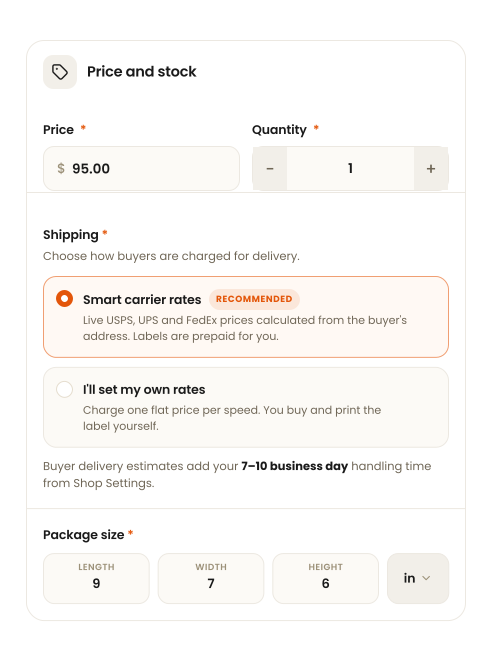
Set your price and shipping
Add the details buyers need to understand the cost and delivery of your item.
- Price
- What you charge
- Shipping
- Carrier rates or your own
- Handling time
- 7–10 business days
These details determine what buyers pay and when they can expect their order.
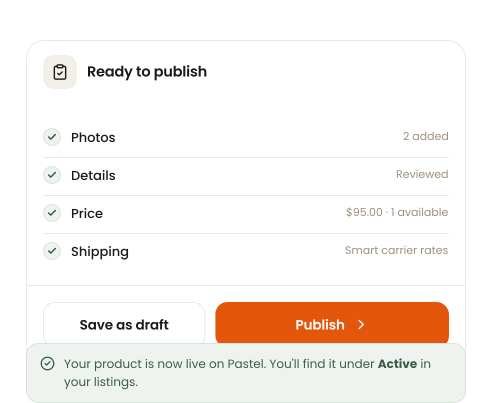
Review and publish
Take a final look at your photos, details, price and shipping before your listing goes live.
Save as draft at any point and come back — nothing is live until you tap Publish.